
Mileage rates
Mileage rates
This is where you can define and manage mileage reimbursement rates.
Setting up mileage rates
You can define your mileage rates in the administration section, where you can log trips, valid rates (e.g., reimbursement per 1 km) must be defined in the administration section.
- Go to the Administration menu and find the Mileage rates section on the right side of the screen.
Click the Add mileage rate button.
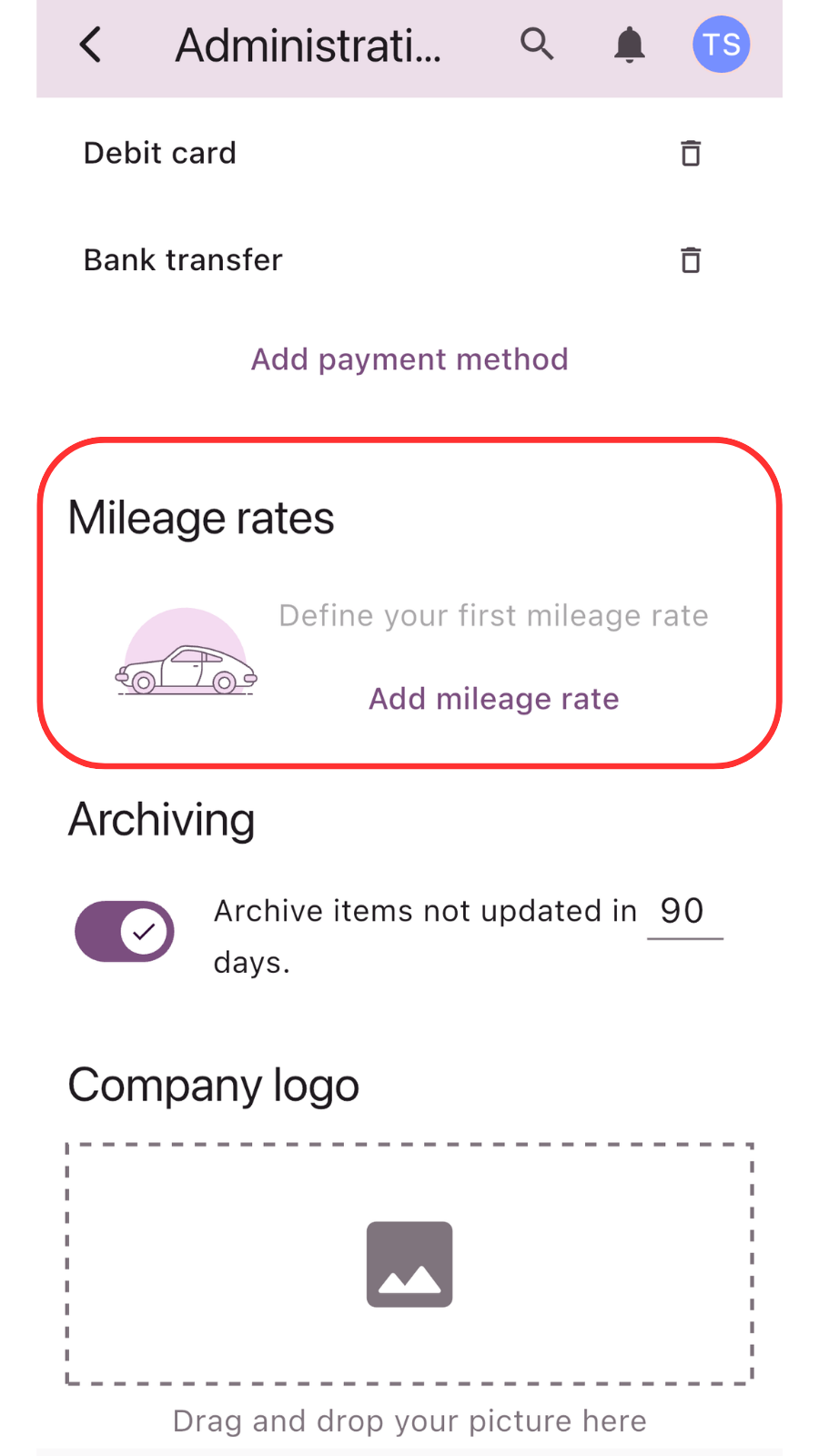
In the pop-up window, set the rate parameters:
- Valid from date: The date from which this rate becomes active.
- Amount: The reimbursement value per distance unit.
- Rate: Select the currency and unit (e.g., US$/km or €/km).
- Click Save to store the rate.


Creating a new mileage entry
Once the rates are set, users can start adding their business trips.
- In the main Expenses section, click the + Add expense button.
- Select New mileage from the dropdown menu.


Trip detail and automatic calculation
The mileage form allows you to record all essential trip data:
- Name: Give your trip a title
- Full day toggle: Use this switch to quickly set a 24-hour duration or manually adjust the start and end dates and times.
- Start & End location: Enter the departure point and the destination.
- License plate: Enter the vehicle's registration number.
- Distance: Enter the total distance traveled. The system will automatically calculate the total reimbursement based on the distance and the predefined rate.


Tracking in the expense list
After you click Save, the entry is stored in the general expense overview.
- Mileage entries are easily identified by the car icon.
- The list displays the trip name, distance traveled, and the calculated amount to be reimbursed.


Related articles
How to delete your account
Step-by-step guide on how to permanently delete your account. Learn what happens during the process …
Read MoreUsing analytics
Learn how to leverage analytics dashboards to visualize, analyze, and gain actionable insights from your …
Read MoreGetting started
Kickstart your Traverse journey with our easy-to-follow Getting Started guide.Learn the basics, set up quickly, …
Read MoreAdministration
Manage settings with ease: add and customize currencies, expense categories, and payment methods to tailor …
Read MoreOverview of user interface
Explore the user interface overview to familiarize yourself with key features,navigation, and layout. Get a …
Read MoreArchiving and deleting expenses
Learn how to efficiently archive your expense records to ensure secure storage, easy retrieval, and …
Read MoreWas this page helpful?